SigniumX
Second Life
Second Life
Step 1: Get the Software
To start this metaverse journey, you will first need to download what is known as "Second Life viewer software" (referred to as a "SL viewer"). For new users, SL viewer is beneficial for learning purposes since its support community is excellent. But note, there are other viewers that will become handy once you are acquainted with using the metaverse a little more. At this stage, however, feel free to use the SL viewer to create a free account on their server network. The SL viewer needs to be installed on a computer (not smartphone) and there are minimum system performance requirements. If your computer does not meet these requirements, you will know because the viewer will not load or it will shut down. If you do not have a computer capable of running SL viewer, the workaround solution is to subscribe to a cloud computer service such as Shadow.
To get familiar with the SL viewer process, check out this 3 min introduction video on Youtube by Second Life. It will show you how to install the software and get you started:
https://www.youtube.com/watch?v=4Y26VOR3ksU
Step 2: Teleport to World 2 of Toronto.uk.com
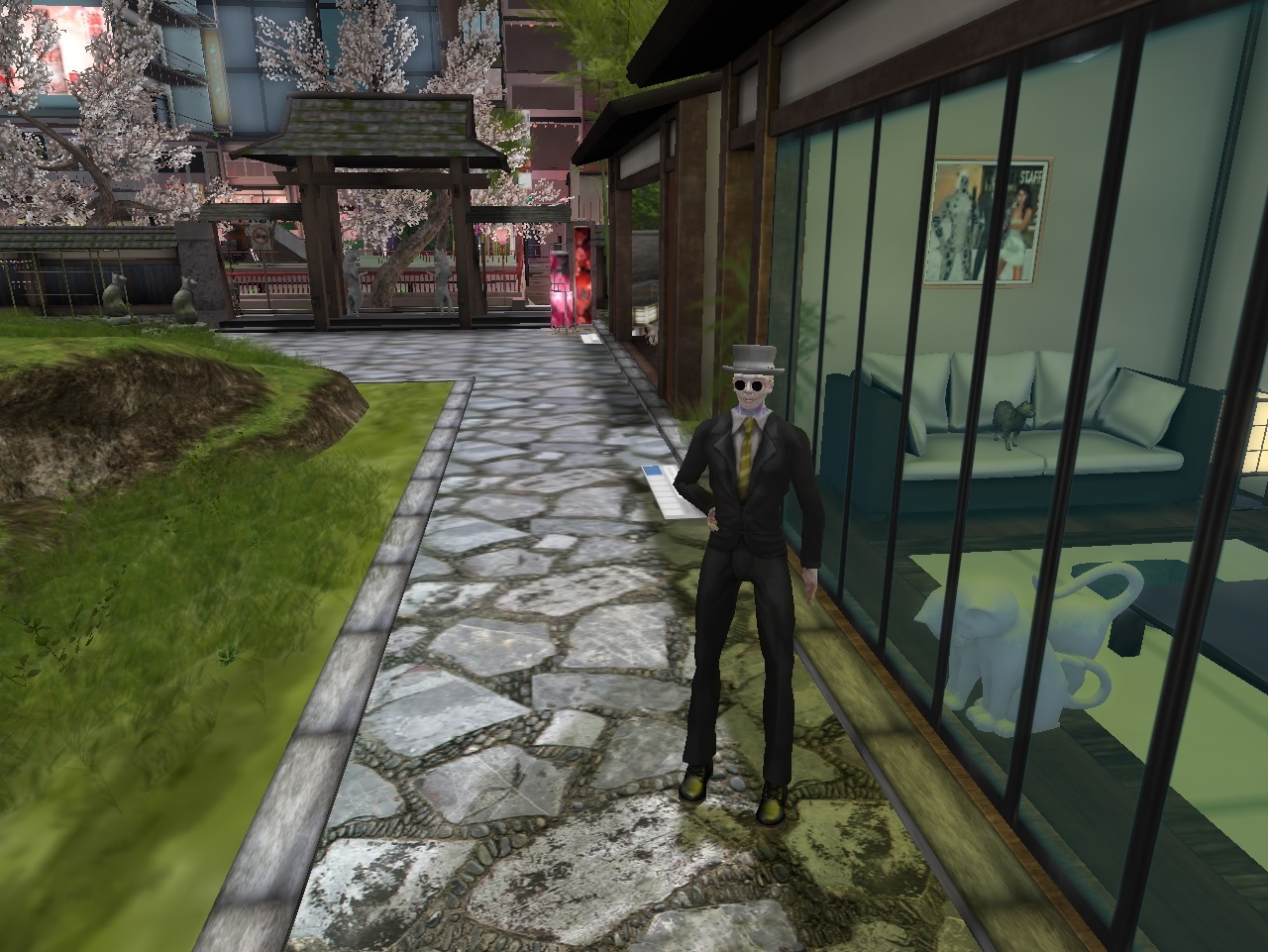
Once you have created your Second Life account using the SL viewer (see above 3 min video if you haven't already), you are now ready to visit World 2 of Toronto.uk.com, known as Teleporting.
Expert Tip: Make sure your SL viewer is installed and running. Switch to your internet browser and click on "Teleport to World 2". Then go back into your SL viewer and you will see a request if you wish to teleport. Agree to that teleport request in the SL viewer and you will be transported to World 2 of Toronto.uk.com. Depending on the server load, your graphics chip and internet connection, allow the connection some time to load the graphics, termed "rezzing". Rezzing speed can be very fast (best) or take a few minutes (at worst). With experience, you will understand how these factors all work together. Click on "Visit World 2" and get ready to Teleport.
Exploring other Worlds: If you click on the telephone booth of World 2, it will take you to thousands of third party teleporting coordinates on the metaverse! It is a vast tech cosmos.